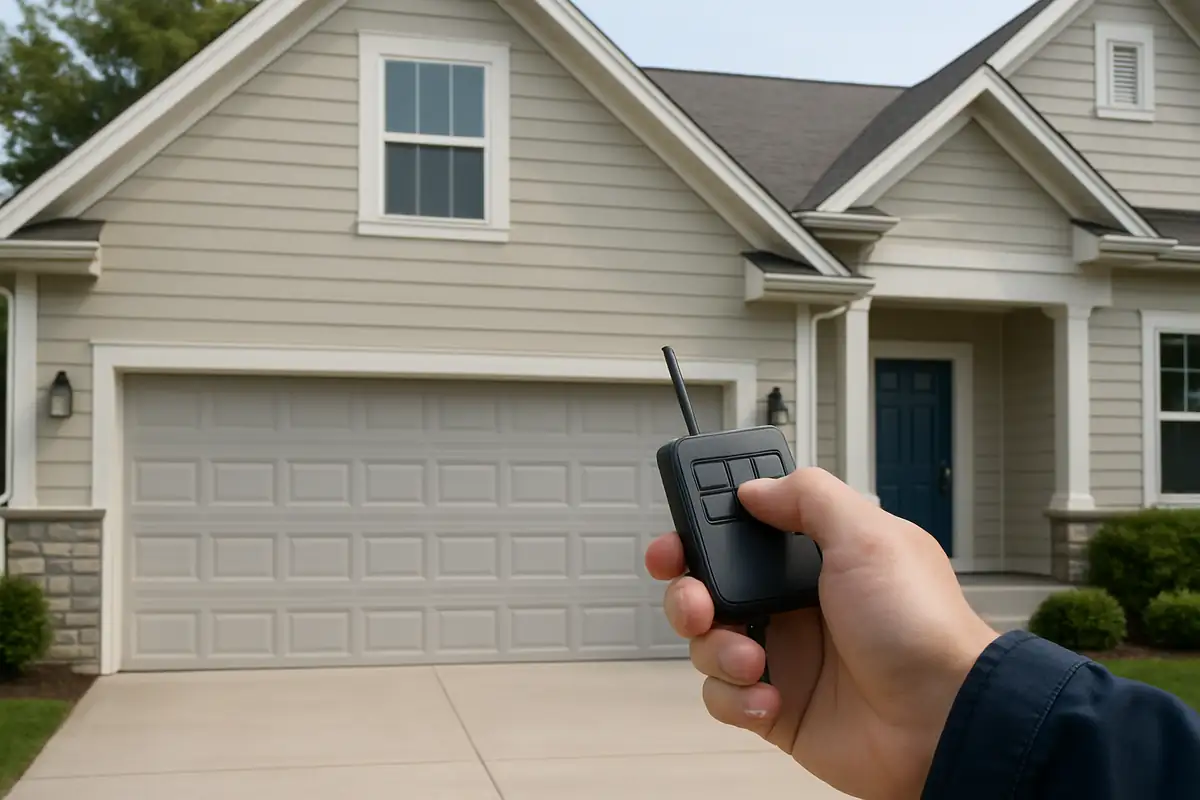
How to Program Your Garage Door Remote: A Complete Guide for Wakefield, MA Residents
Programming your garage door remote may seem daunting, but it's simpler than you think! In this guide, we’ll walk you through each step to ensure your garage door operates smoothly.
Introduction
Have you ever struggled with your garage door remote? You're not alone! Many homeowners in Wakefield, MA, face challenges when it comes to programming their garage door remotes. Whether you've recently purchased a new remote, moved into a new home, or just need to reset your existing remote, this comprehensive guide will walk you through how to program your garage door remote with ease.
Understanding Garage Door Remotes
Before diving into the programming steps, it’s crucial to understand what your garage door remote actually does. Garage door remotes use radio signals to communicate with the opener installed in your garage.
Types of Garage Door Remotes
- Fixed Code Remotes: These remotes have a code that does not change. They're easier to hack but are commonly used.
- Rolling Code Remotes: These remotes change their code after every use, providing more security.
Steps to Program Your Garage Door Remote
Programming your garage door remote can vary depending on the manufacturer and model, but the general steps are similar. Follow these instructions to get started:
Gather Your Materials
Before you begin, make sure you have the following items:
- Your garage door remote
- Your garage door opener (usually found in your garage)
- A step ladder (if necessary)
Step-by-Step Programming Guide
- Locate the Learn Button: This button is typically located on the back or side of the garage door opener unit. It might be labeled as “Learn,” “Program,” or something similar.
- Press the Learn Button: Pressing this button will activate the programming mode for a short time (usually 30 seconds).
- Prepare Your Remote: Once the light on the opener is lit, press and hold the button on your garage door remote that you want to use for opening the door.
- Wait for Confirmation: Release the button when you see the garage door opener’s light blink. This indicates that the remote has been successfully programmed.
- Test Your Remote: Finally, press the remote button to see if it opens the garage door. If it doesn’t work, repeat the steps.
Common Issues and Troubleshooting
Even after following the programming steps, you might still encounter some issues. Here are some common problems and their solutions:
Remote Not Functioning
- Check the Batteries: This is often the simplest solution—ensure your remote has fresh batteries.
- Interference: Ensure there are no electronic devices causing interference, such as radios or Wi-Fi routers.
- Reprogram the Remote: Sometimes, simply reprogramming your remote can resolve issues.
Door Opening or Closing Erratically
If your garage door opens or closes randomly, it may be due to a malfunction in the opener or a problem with the remote itself. Here’s what to do:
- Check for Obstructions: Ensure there are no objects blocking the garage door’s path.
- Inspect the Sensors: Clean and check the alignment of the sensors located on either side of the garage door.
Statistics on Garage Door Security
According to industry studies, almost 30% of all break-ins occur through the garage. A well-functioning and secure garage door is essential for your home’s overall security.
Additional Tips for Garage Door Maintenance
To ensure longevity and proper functioning of your garage door system, consider these maintenance tips:
- Regular Inspections: Inspect your garage door and opener at least twice a year for wear and tear.
- Lubrication: Keep moving parts lubricated to avoid squeaks and ensure smooth operation.
- Professional Servicing: Consider scheduling regular maintenance with a local garage door repair service like Light Garage Door Repair in Wakefield, MA.
Conclusion
Programming your garage door remote doesn’t have to be a chore. By following these steps and tips, you can easily manage your garage door remote like a pro. If you encounter persistent issues or want professional assistance, don’t hesitate to contact Light Garage Door Repair. Our expert team is here to ensure your garage door operates smoothly and securely in Wakefield, MA.
Explore More Resources
Related Articles
Service Areas
We proudly serve Wakefield, Wakefield Junction, Montrose, Farm Hill, Greenwood and more areas.
Our Services
Professional garage door repair, spring repair, opener installation and more. View all services →
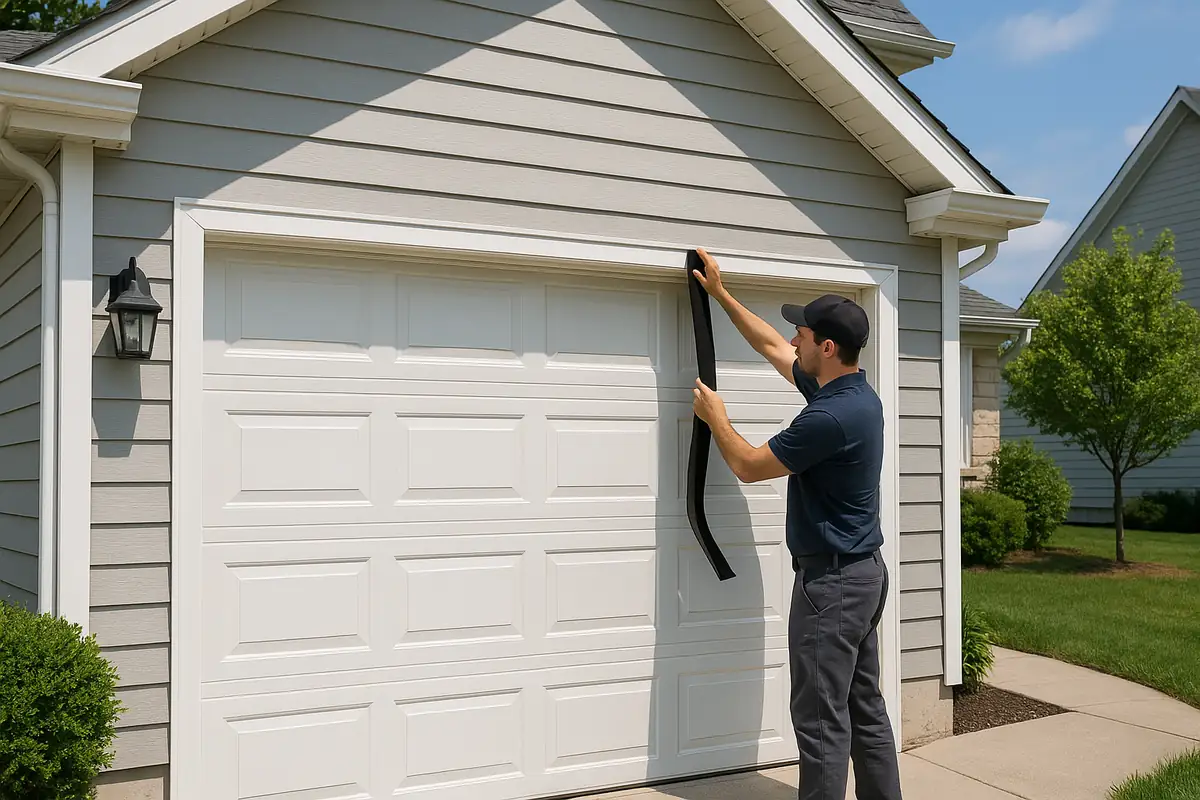
Common Garage Door Problems and How to Fix Them | Light Garage Door Repair in Wakefield, MA
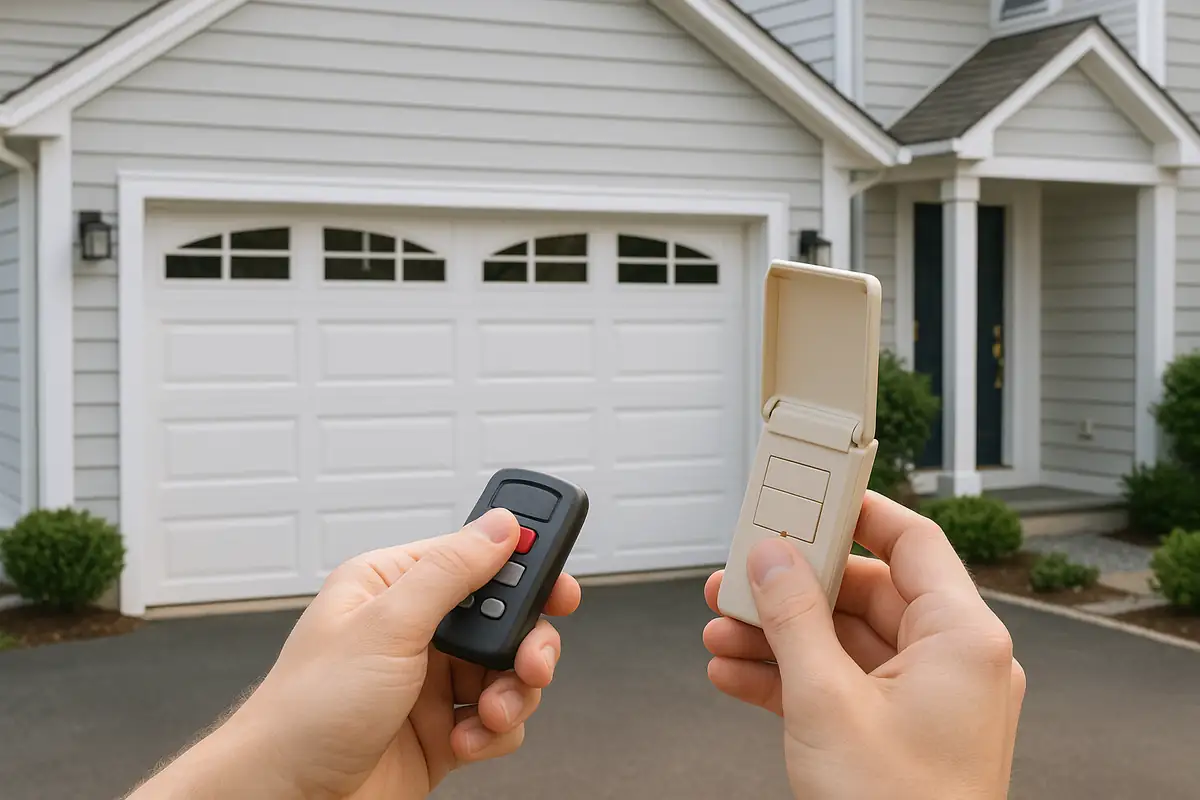
Weather-Proofing Your Garage Door: Essential Tips from Light Garage Door Repair in Wakefield, MA