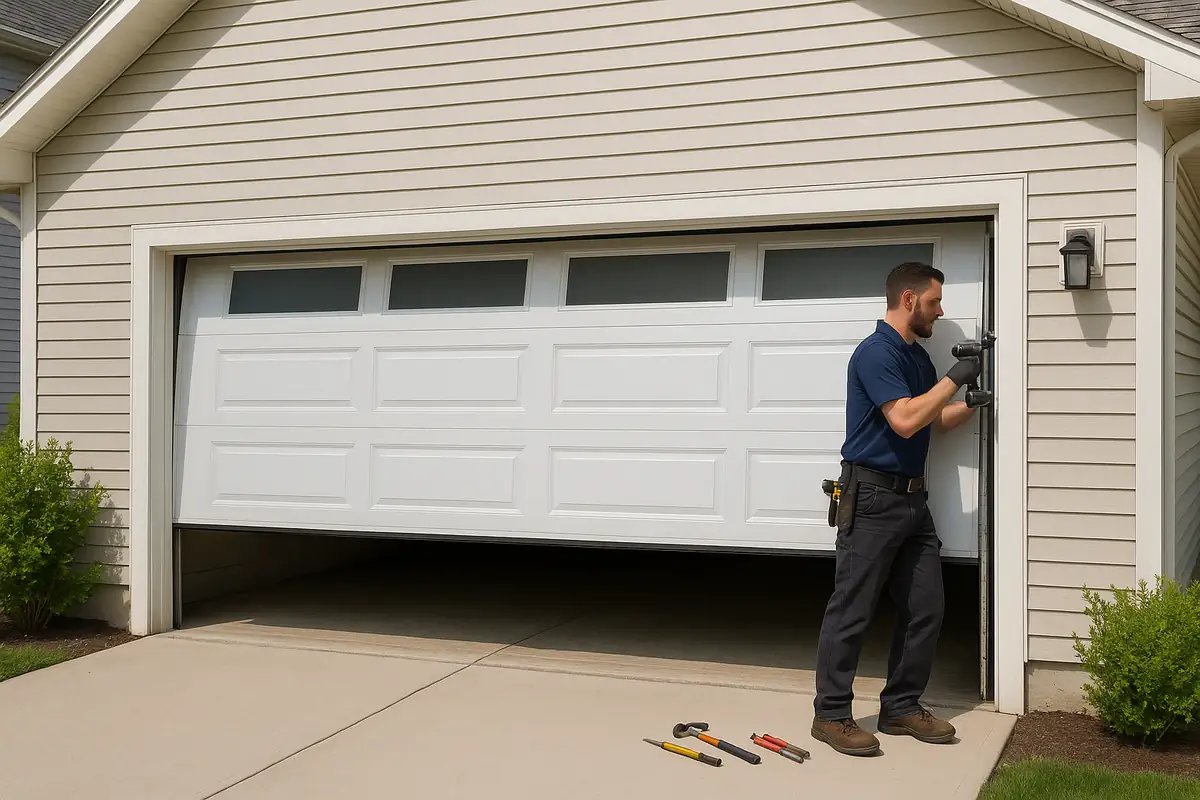
How to Program Your Garage Door Remote | Light Garage Door Repair in Wakefield, MA
Is your garage door remote acting up? In this comprehensive guide, we’ll walk you through the easy steps to program your garage door remote effectively. Let’s get started!
Introduction: Mastering Your Garage Door Remote
Your garage door remote is an essential part of your home’s convenience and security. When it suddenly stops functioning correctly, it can be frustrating. But don’t worry! Learning how to program your garage door remote can save you time and hassle. At Light Garage Door Repair in Wakefield, MA, we’re here to guide you through the process.
Understanding Garage Door Remotes
Before diving into the programming steps, let’s briefly understand how garage door remotes work.
Key Components of Garage Door Remotes
- Transmitter: The remote itself, which sends signals to the garage door opener.
- Receiver: The unit attached to your garage door opener, which receives the signals from the remote.
- Frequency: Most remotes operate on a specific frequency, typically between 300 MHz and 390 MHz.
Why You Might Need to Reprogram Your Remote
There are several reasons you may need to reprogram your garage door remote:
- You’ve recently changed the batteries.
- You’ve moved into a new home and want to ensure your garage is secure.
- Your remote has stopped functioning correctly due to interference or malfunction.
- You want to add a new remote for a family member.
How to Program Your Garage Door Remote
Now that you understand the basics, let’s get into the step-by-step programming process. The exact steps may vary based on your garage door opener model, so be sure to consult your user manual for specific instructions. However, the general process is as follows:
Step 1: Gather Your Tools
You’ll need:
- Your garage door remote
- Your garage door opener's user manual
- A ladder (if necessary)
Step 2: Locate the "Learn" Button
1. Find the "Learn" button on your garage door opener unit. Usually, it’s located on the back or side of the unit.
2. It might be a different color (often red, yellow, or green) and could be labeled as "Learn" or "Smart".
Step 3: Clear Existing Codes (if necessary)
If you’re experiencing issues, you may want to clear the existing codes:
- Press and hold the "Learn" button until the indicator light turns off (about 6 seconds).
- This will reset the system, allowing you to program a new remote.
Step 4: Program the Remote
1. Press the "Learn" button once. The indicator light will turn on, indicating the unit is ready to accept a new remote.
2. Within 30 seconds, press and hold the button on your remote that you wish to program.
3. Release the button when you see the garage door opener light blink or hear two clicks.
Step 5: Test the Remote
After programming, test the remote to ensure it works correctly by pressing the button to open or close the garage door.
Troubleshooting Common Issues
If your remote isn’t working after programming, try these troubleshooting tips:
- Check if the batteries need replacement.
- Ensure you pressed the "Learn" button within the 30-second window.
- Confirm the remote is compatible with your garage door opener model.
- Inspect for any physical damage to the remote.
Tips for Maintaining Your Garage Door Remote
Regular maintenance can extend the life of your garage door remote:
- Keep the remote clean and free of dust.
- Replace batteries at least once a year.
- Avoid exposing the remote to extreme temperatures.
- Store the remote in an easily accessible, safe location.
Statistics & Facts About Garage Doors
Did you know?
- Approximately 70% of American homes have a garage door, making it one of the most common entry points.
- Regular garage door maintenance can extend its life by 10-15 years.
- Over 30% of homeowners experience issues with their garage doors at some point.
Conclusion: Simplifying Garage Door Access
Programming your garage door remote doesn't have to be a daunting task. With our step-by-step guide, you can quickly regain access to your garage with ease. If you encounter any issues or need professional assistance, contact Light Garage Door Repair in Wakefield, MA. Our team of experts is always ready to help you with any garage door issues.
Ready to enhance your garage door experience? Reach out to us today!
Explore More Resources
Related Articles
Service Areas
We proudly serve Wakefield, Wakefield Junction, Montrose, Farm Hill, Greenwood and more areas.
Our Services
Professional garage door repair, spring repair, opener installation and more. View all services →
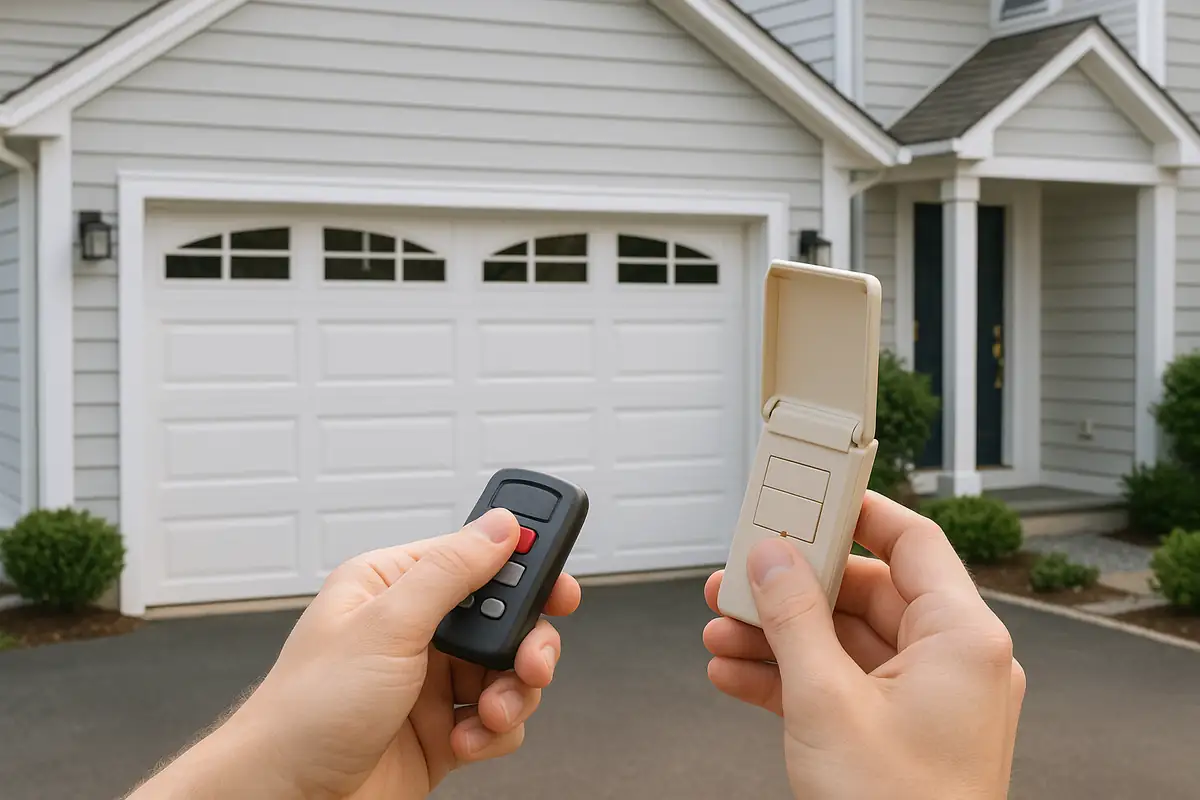
Weather-Proofing Your Garage Door: Essential Tips from Light Garage Door Repair in Wakefield, MA
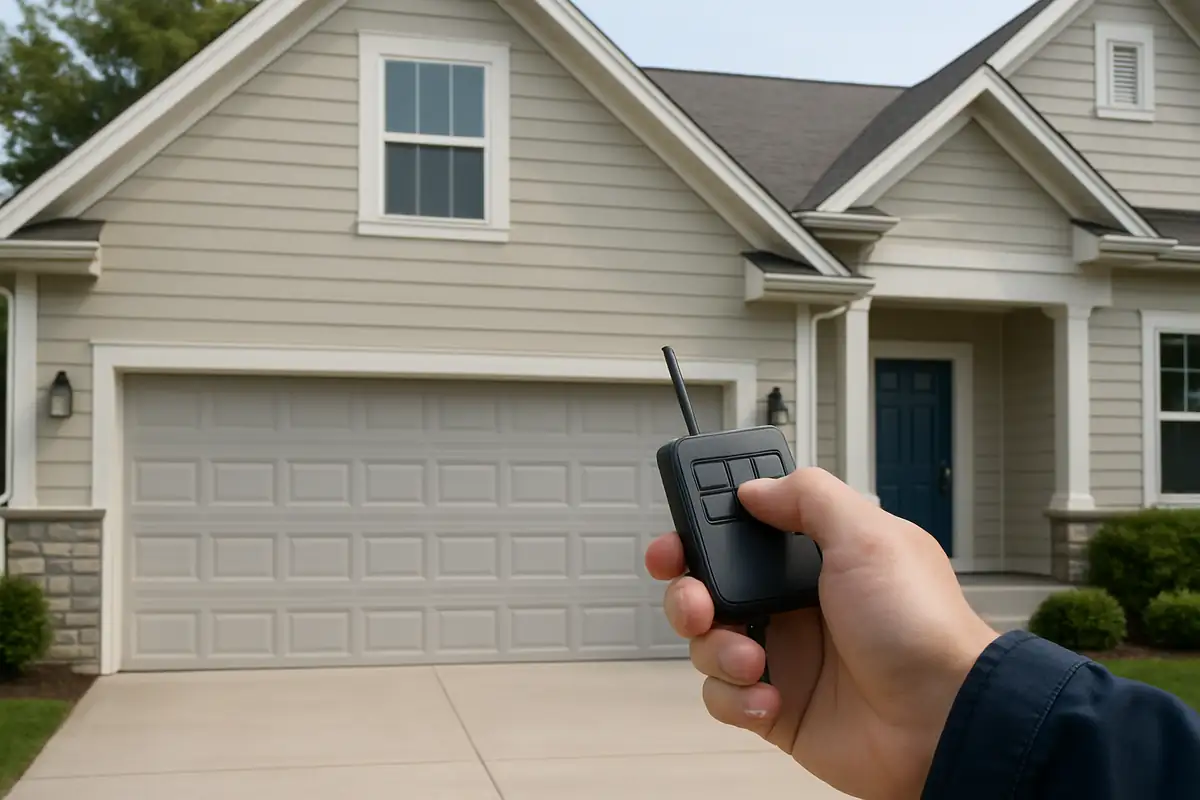
Signs Your Garage Door Opener Needs Replacement - Light Garage Door Repair in Wakefield, MA